Embroidery digitizing in your browser.
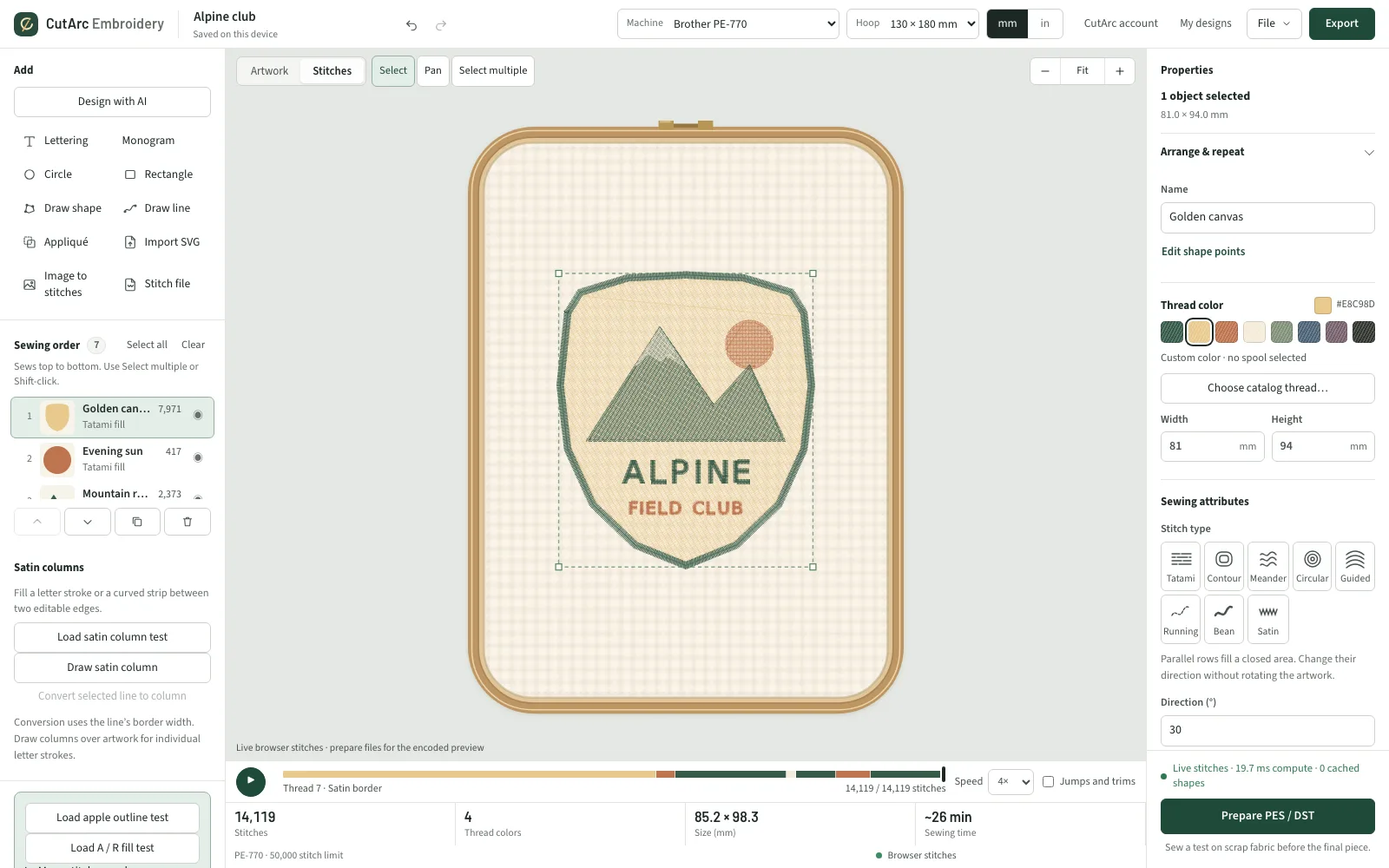
Draw or import artwork, add lettering, preview every stitch, and download a PES file for your Brother, or DST, JEF, EXP, VP3 and XXX for other machines. Nothing to install. Free to start.
What you can make
Names and lettering
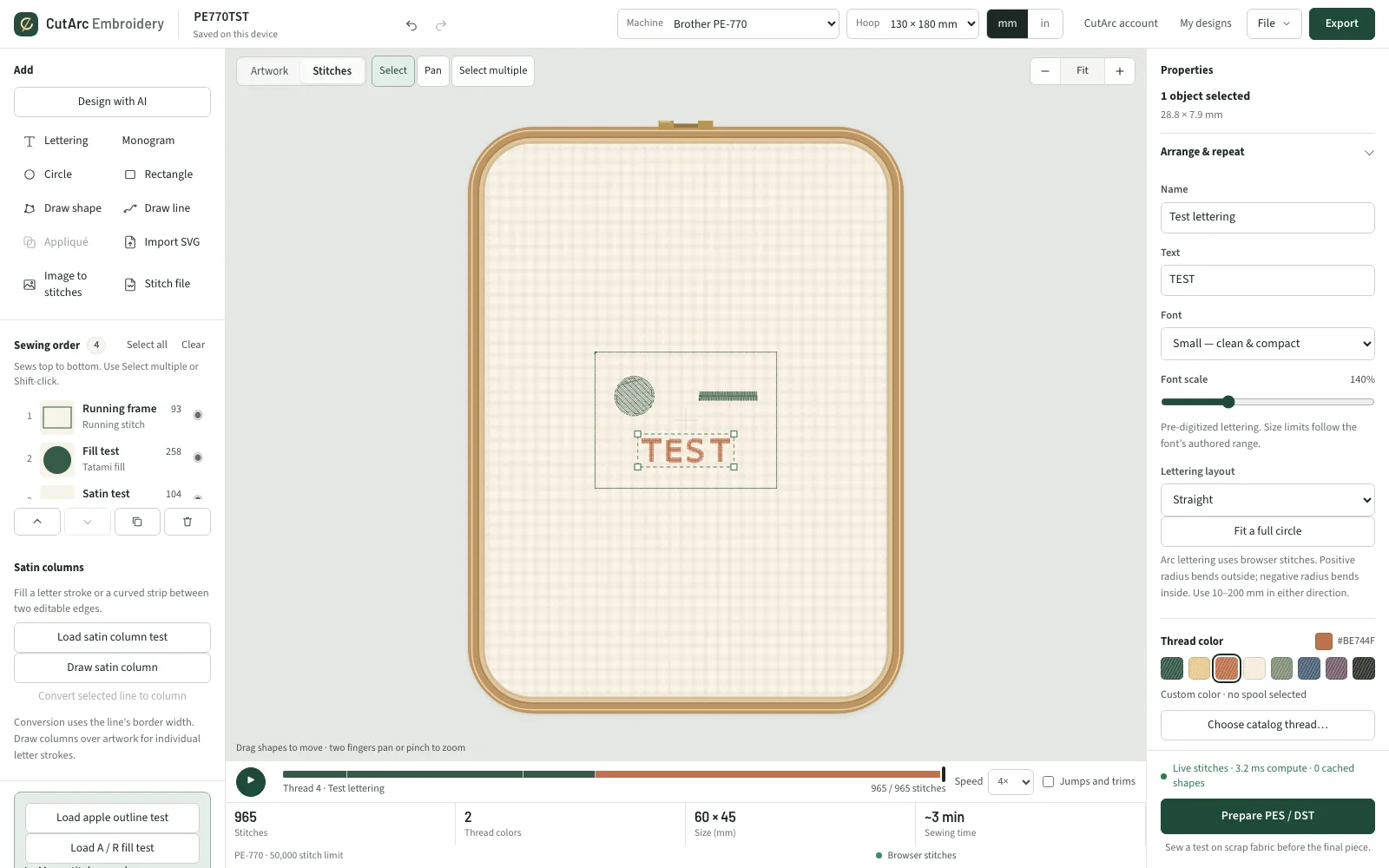
Put names on towels, bags and gifts in Small, Medium or Serif lettering.
Patches and logos
Turn your own SVG artwork into satin borders, tatami and contour fills, and running details.
Designs you bought
Open PES, DST, JEF, EXP, VP3 and XXX files, check stitches, size and colors, and save them for your machine.
Image to stitches (Pro)
Turn a photo or logo into stitches you can edit.
How it works
Design
Draw shapes, import SVG artwork or type lettering.
Preview
See every stitch, the sewing order and any density warnings.
Download
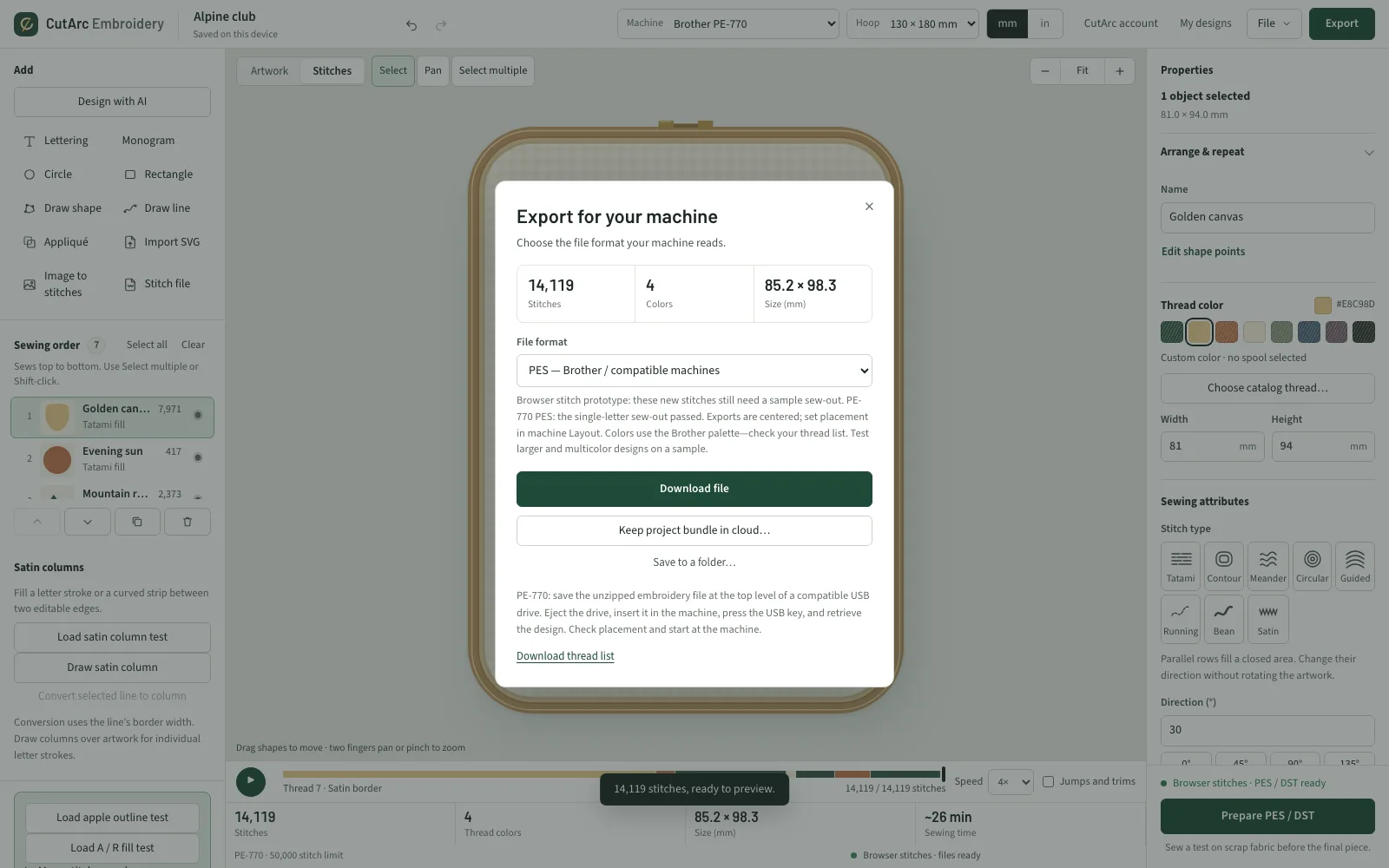
Download PES, DST, JEF, EXP, VP3 or XXX. In Chrome or Edge, save straight to a USB stick.
Sew
Test on scrap fabric with the right stabilizer, then sew the real piece.
Free vs Pro
Free
- Draw shapes, import SVG artwork, combine and cut shapes
- Tatami and contour fills, satin borders, running and triple stitch
- Lettering in Small, Medium and Serif
- Design checks that warn about dense areas
- PES, DST, JEF, EXP, VP3 and XXX downloads, with no limit
- Save straight to a USB stick (Chrome or Edge)
- Send to a Brother PR1050X
- Printable sewing worksheet
- Open and convert embroidery files you bought
- Thread catalogs and color matching
- AI designs on the free weekly allowance
No download limits, in every format.
Pro
- Image to stitches, for photos and logos
- Meander, circular and guided fills, with start, end and spiral points
- Curved lettering, on an arc or a full circle
- Monograms
- Pacificlo, Barstitch and Venezia fonts
- Appliqué
- Knockdown stitches for towels and fleece
- Reduce thread changes
- Remove hidden stitches
- Repeat a design in rows, columns or a circle
CutArc Pro is $14.99/month or $99.99/year and also unlocks Pro in Plasma, Laser and Vinyl. Try it free for 7 days.
Machines
Sewn on a Brother PE-770 (5×7 in hoop) and a Brother PR1050X 10-needle. PES, DST, JEF, EXP, VP3 and XXX files are written to their published specs. If you sew on another machine, tell us how it goes at support@cutarc.io.
Frequently asked questions
Is CutArc Embroidery free?
Yes. You can design, letter, preview and download stitch files in every format for free, with no download limit. CutArc Pro ($14.99/month or $99.99/year) adds Image to stitches, specialty fills, curved lettering, monograms, extra fonts, appliqué and production tools, and also unlocks Pro in CutArc Plasma, Laser and Vinyl. New accounts can try Pro free for 7 days.
Which embroidery machines does it work with?
Machines that read PES, DST, JEF, EXP, VP3 or XXX files, which covers most Brother, Baby Lock, Janome, Bernina, Husqvarna Viking, Pfaff and Singer home machines and Tajima-format commercial machines. We have sewn test designs on a Brother PE-770 and a Brother PR1050X.
Can I open embroidery files I bought?
Yes. Open PES, DST, JEF, EXP, VP3 and XXX files to see the stitch count, size and colors, change thread colors, and save them in another format. Files open in your browser and are not uploaded.
Do I need to install anything?
No. CutArc Embroidery runs in Chrome or Edge on Windows and Mac. Safari works too; saving straight to a USB stick needs Chrome or Edge, and other browsers download the file instead.
Does it work on a Mac?
Yes. It runs in your browser, so Mac and Windows work the same. Many embroidery programs, such as Brother PE-Design and Hatch, need Windows.
What does beta mean?
Everything on this page works today, and we are still sewing test designs every week. If a design doesn't sew the way the preview shows, send it to support@cutarc.io and we'll look at it.